Don’t Forget to Clean Up Your Smartphone App Library
You don’t need all those apps.
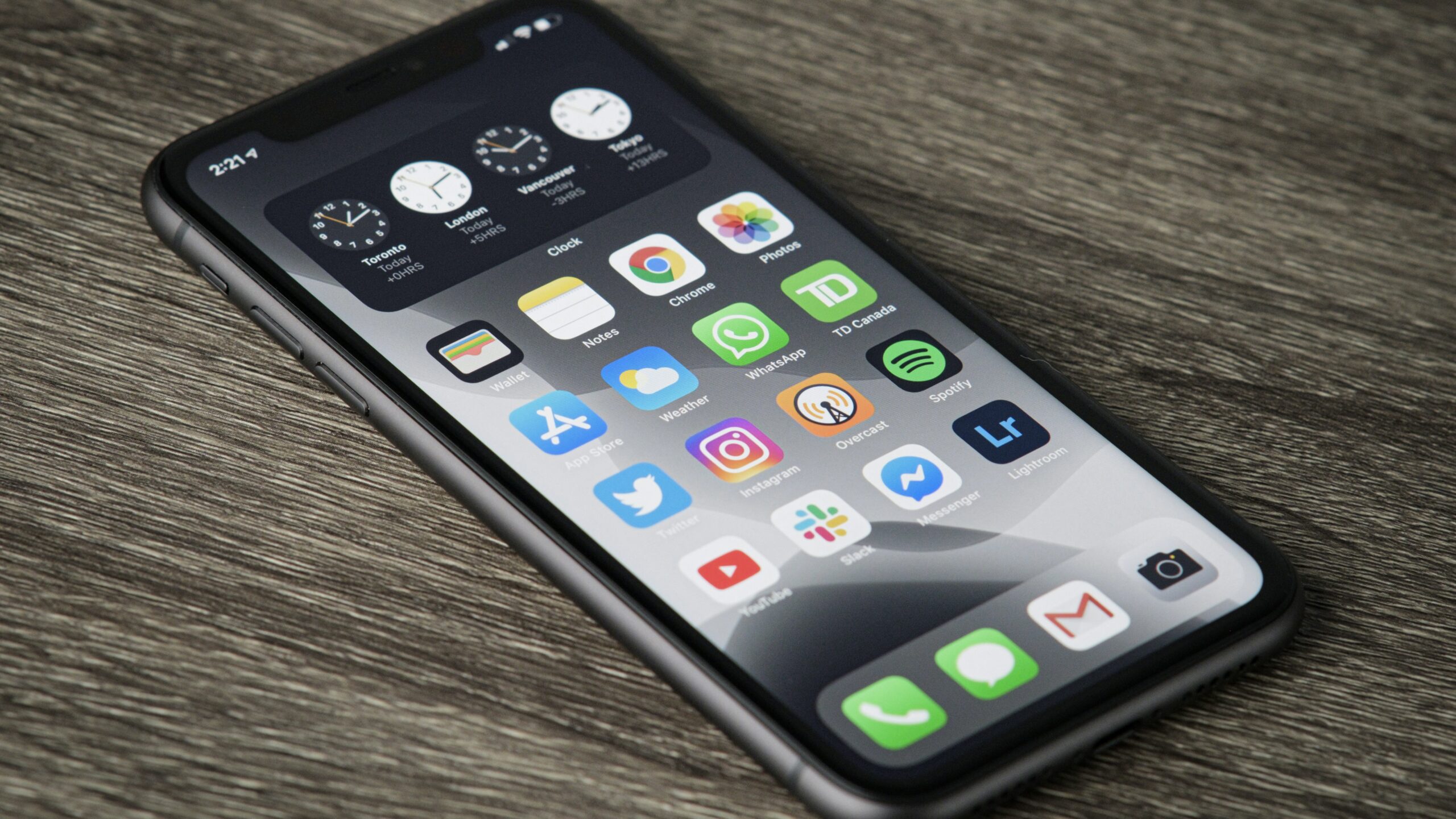
App stores make it all too easy to download one app after another. One minute, you’re trying the latest social media platform; the next, you’re downloading an addicting new game your friend recommended. After a while, you’ll be surprised at how quickly you amass these tiny programs, and, chances are, you actually use very few of them.
There’s nothing necessarily wrong about this. If you download an interesting app, and forget about it, it likely isn’t actively degrading from your smartphone experience. However, what it is doing is cluttering up iOS or Android, both figuratively and literally. Apps, of course, take of storage on your phone—some more than others. Individually, most apps don’t use up too much space, but taken in aggregate, you might be allocating way too much internal space on your smartphone for programs you never use.
On the other hand, all these apps are taking up your digital space, as well. How many pages of apps do you have on your phone’s Home Screen, that you swipe past each and every day? You may use many of them, but, if you’re like most people, you probably have dozens (if not hundreds) of apps you ignore to get to the ones you actually use.
Then, there are the apps you never downloaded in the first place. Some call this bloatware: These are built-in apps that came preinstalled on your phone when you set it up. Android tends to have more of these apps than iOS, but Apple is also guilty of offering users apps they likely don’t need. You might not listen to podcasts, but your smartphone definitely has a podcast app whether you asked for it or not.
Deleting apps is easy, once you convince yourself to actually do it. On Android, press and hold on the app you want to remove, then choose App Info. From here, you’ll be able to uninstall the app. On iOS, press and hold on the app in question, then tap “Remove App.” Tap “Delete App” on the pop-up, and you’re done.
Share This