Don’t Fall for This Lost iPhone Phishing Scheme
Losing your iPhone is stressful, but don’t fall for this scam looking for it.
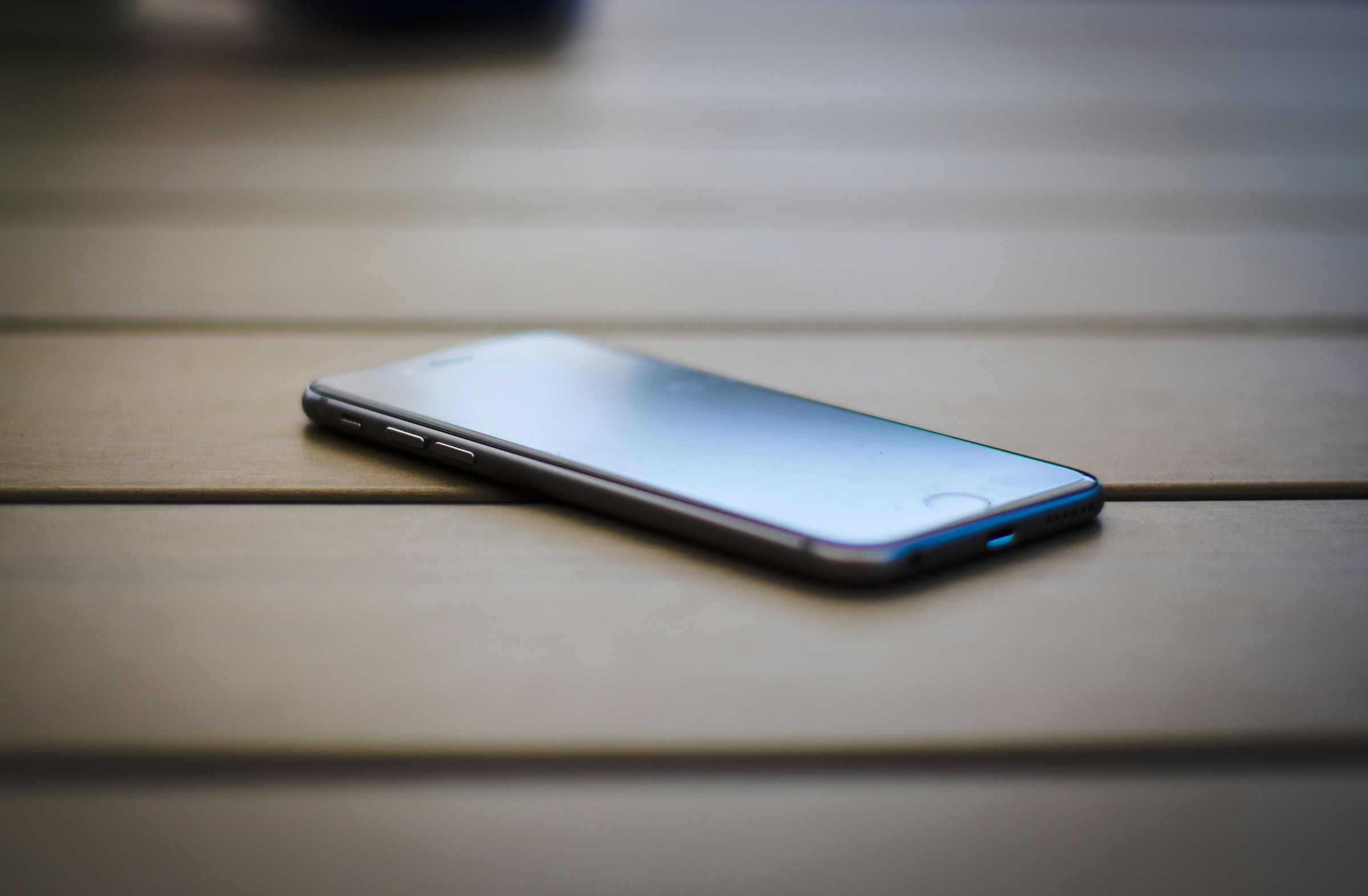
Losing your iPhone is stressful. It’s your lifeline to both work and personal communications, and contains a large amount of private data and information. As such, you’ll be eager to find it, and will want to follow any lead you can—but don’t fall for this new phishing scheme in the process.
The scam prays on Apple’s “Lost Mode” for iPhones. When you lose your device, you’re able to set a message on the lock screen, so that anyone who happens to find your iPhone can contact you and return it. That might include your email address or your phone number, so if you receive a text or email from someone claiming to have found your iPhone, it won’t be too surprising.
If you hear from a total stranger, it’s possible they have your lost iPhone. But if you receive a message from “Apple” claiming your iPhone was found, exercise extreme skepticism. Here’s what one such message may look like:
Dear Customer, We are pleased to inform you that your iPhone 14 128GB Midnight has been successfully located. To view the current location of your device, please click the link below. If you did not initiate a lost device report or believe this message was sent in error, please disregard it or contact our support team immediately. Sincerely, FindMy Support Team.
There is no “FindMy Support Team.” Rather, this is a scammer, who is using your iPhone’s Lost Mode in order to trick you into clicking the provided link. That URL won’t take you to a page to check your iPhone’s location. Instead, it’ll take you to a fake Apple website, where you’ll enter your username and password. The scammers will be able to see your information, and will use it to break into your account and disable Activation Lock on your iPhone—taking control of your Apple Account and device.
While this scheme scan be deceiving, following cybersecurity best practices can ensure you don’t fall for it. Never click links in unsolicited messages. Never enter your Apple Account credentials anywhere other than an official Apple website, and never share MFA codes with anyone.
Share This